
7 Common Reasons Why Is My Firestick Buffering
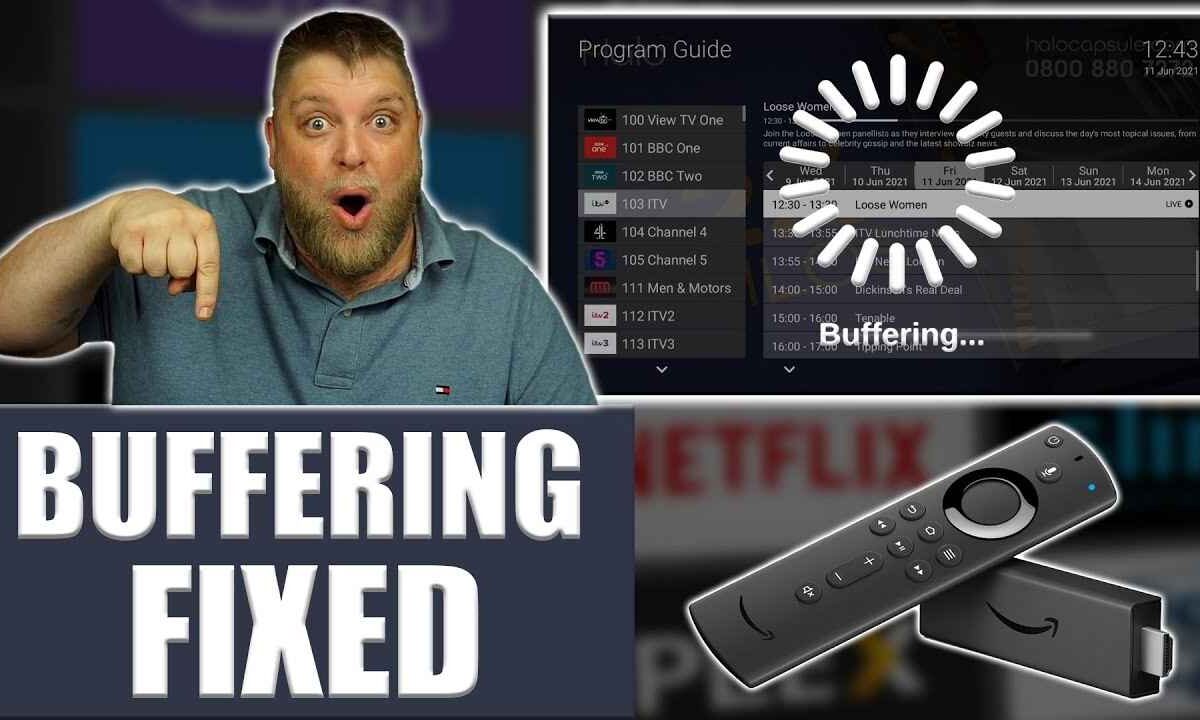
Why Is My Firestick Buffering: 1. Slow Wi-Fi 2. Overheating 3. Low storage 4. Outdated apps 5. ISP throttling 6. VPN issues 7. Weak signal.
Why Is My Firestick Buffering
If your Firestick keeps buffering, you’re not alone — it’s a common issue for many streaming users. Buffering happens when your internet speed or device performance can’t keep up with the video you’re trying to watch.
Whether you’re using B1G Player, IPTV Smarters Pro, or Star Share, buffering can ruin your entertainment. But the good news is — it’s usually easy to fix.
Quick Overview: Firestick Buffering Causes & Fixes
| Problem | Possible Cause | Quick Solution |
|---|---|---|
| Internet lag | Slow Wi-Fi speed | Restart router or upgrade plan |
| Weak signal | Router too far | Move Firestick closer |
| Device heat | Overheating | Use HDMI extender and cool device |
| Background tasks | Too many running apps | Clear cache or force stop apps |
| Outdated system | Old software | Update Firestick and apps |
| ISP throttling | Limited speed | Use VPN |
| Low storage | Not enough space | Delete unused files |
1. Slow Internet Connection
A slow or unstable connection is the most common reason for buffering. For smooth playback, HD needs at least 10 Mbps, while 4K requires 25 Mbps.
Fix: Restart your router, disconnect other devices from Wi-Fi, or switch to a higher-speed plan.
2. Weak Wi-Fi Signal
If your Firestick is far from your router or blocked by walls, you’ll experience buffering even with good internet speed.
Fix: Move the Firestick closer to the router or use a Wi-Fi extender. You can also connect to a 5GHz band for a stronger signal.

3. Overheating Firestick
Overheating reduces performance and slows down streaming apps like B1G Player or IPTV Smarters Pro.
Fix: Unplug the Firestick for a few minutes. Avoid hiding it behind the TV where airflow is poor. Use an HDMI extender for better cooling.
4. Too Many Background Apps
Running multiple apps at once uses up memory and causes lag. This is especially true if you use Star Share, IPTV Smarters Pro, or B1G Player together.
Fix:
- Go to Settings → Applications → Manage Installed Applications
- Choose the app → Force Stop
- Clear cache regularly
5. Outdated Firestick or App Versions
Old app versions can cause compatibility issues and performance drops.
Fix:
- In Settings, go to My Fire TV, select About, and tap Check for Updates.
- Update all streaming apps (including IPTV ones) for better stability
6. ISP Throttling
Some ISPs intentionally slow down streaming connections to save bandwidth.
Fix: Use a VPN to hide your online activity and avoid throttling. A VPN also helps improve privacy and access restricted content.
7. Low Storage Space
When your Firestick runs out of storage, performance drops and buffering increases.
Fix:
- Delete unused apps
- Clear app caches
- Keep at least 500MB free space
Firestick Apps and Their Performance
| App Name | Best For | Performance Tip |
|---|---|---|
| B1G Player | IPTV Streaming | Keep app updated for fewer lags |
| IPTV Smarters Pro | Multi-device support | Clear cache weekly |
| Star Share | Smooth HD channels | Use with stron |
FAQs
1. Why does my Firestick buffer even with fast internet?
Even with fast internet, weak Wi-Fi signals, overheating, or outdated software can cause buffering. Try moving closer to the router or updating your apps.
2. Does a VPN help reduce buffering?
Yes. A VPN can stop your ISP from slowing your streaming speed, especially if they detect IPTV traffic.
3. How can I make IPTV apps like B1G Player or Star Share run smoother?
Close background apps, clear cache often, and make sure your Firestick software and apps are updated.
4. Should I reset my Firestick if it keeps buffering?
If none of the fixes work, yes — a factory reset can clear old data and restore performance.
5. What internet speed is ideal for IPTV on Firestick?
At least 10 Mbps for HD and 25 Mbps for 4K streaming ensures smooth playback without lag.

My name is Stella Rose. I am an IPTV specialist with over 10 years of professional experience in the streaming industry. I learned IPTV from top experts in a reputed office and also hold a diploma in IPTV & digital streaming technologies.
Now, I share my knowledge by writing articles and guides on NestNets.com, helping people understand IPTV subscriptions, Firestick setup, troubleshooting, and the latest streaming solutions.