
What is IPTV? Complete Beginner’s Guide for Easy Setup

What is IPTV? Complete Beginner’s Guide for Easy Setup. Easy, beginner-friendly instructions to watch TV online using IPTV.
What is IPTV?
If you’ve ever asked, “What is IPTV?”, here’s a simple answer. IPTV (Internet Protocol Television) lets you watch TV using the internet instead of cable or satellite.
You can stream live TV, movies, and shows on demand anytime you want.
IPTV works on Smart TVs, computers, phones, or IPTV boxes. Apps like IPTV Smarters or TiviMate make it easy to use. You can pause, rewind, or catch up on shows.
It’s flexible, affordable, and high-quality, giving you more ways to enjoy TV.
How IPTV Works
Understanding IPTV is easier than it seems. Instead of using cable or satellite, IPTV delivers TV content over the internet.
A central server, called the head-end, encodes the video and sends it through a delivery network to your device—like a Smart TV, computer, or IPTV box.
Protocols like IGMP, RTP, and RTSP manage the video streams, making sure playback is smooth.
With IPTV, you can watch live TV, video on demand (VOD), and catch-up TV anytime. This setup offers high-quality streaming, flexible viewing, and access to thousands of IPTV channels worldwide.
Types of IPTV Services
| IPTV Service | Description | Example/Feature |
|---|---|---|
| Live TV | Channels broadcast in real-time | Sports, News |
| Voting, games, and social media features | Movies and shows you can watch anytime | Netflix-style content |
| Time-Shifted TV | Pause, rewind, or fast-forward live TV | Pause/rewind functionality |
| Catch-up TV | Watch shows you missed | Replay previous week’s episodes |
| Interactive TV | Replay last week’s episodes | Quizzes, interactive apps |
Setting Up IPTV at Home
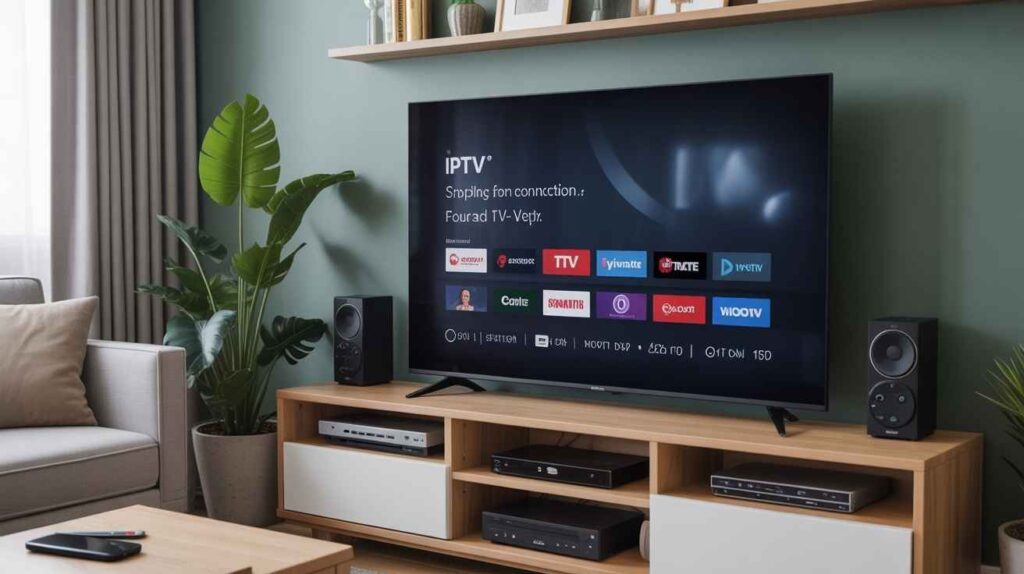
Setting up IPTV at home is simple and user-friendly.
- Make sure you have a stable internet connection and a compatible device like a Smart TV, PC, smartphone, or IPTV box.
- Choose a reliable IPTV provider—official services are safer and legal.
- Many users install apps such as IPTV Smarters, TiviMate, or GSE SMART IPTV to access channels and VOD content.
- Follow the provider’s setup instructions to add your subscription details or M3U playlist.
Once connected, you can enjoy live TV, movies, and catch-up shows with high-quality streaming and minimal buffering.
Legal and Security Considerations
Using IPTV services safely means knowing legal and security rules.
- Official IPTV providers are legal and secure. Unauthorized or pirated services can cause legal trouble. Always check your region’s laws before subscribing.
- To protect your privacy and data, consider using a VPN, especially on public networks.
- Security risks, like malware or phishing, are higher with unverified IPTV apps or M3U playlists.
- Choosing trusted providers and verified apps—such as IPTV Smarters or TiviMate—ensures safe streaming of live TV, VOD, and catch-up services.
Benefits of IPTV
IPTV has many benefits compared to traditional TV.
- It is cost-effective and often cheaper than cable or satellite subscriptions.
- You get access to a wide range of channels, movies, and shows, including live sports and VOD content.
- IPTV is flexible, letting you watch on a Smart TV, smartphone, or PC anytime.
- Features like time-shifted TV, catch-up TV, and interactive services make viewing convenient and personalized.
- High-quality streaming ensures clear video and smooth playback.
Overall, IPTV provides freedom, variety, and affordability, making it an excellent choice for modern viewers.
Common IPTV Issues and How to Fix Them
| Issue | Cause | Solution |
|---|---|---|
| Buffering or lagging | Slow internet connection | Use stable high-speed internet |
| Poor video quality | Device/app not compatible | Restart the app or device, update the app |
| Login/subscription problems | Incorrect credentials or expired subscription | Re-enter login details or renew subscription |
| Device compatibility | Unsupported device | Update the app or use a compatible device |
| Streaming errors | Use a Smart TV, IPTV box, or phone | Update the app or use compatible device |
Future of IPTV
The future of IPTV looks bright as technology advances.
- With faster internet and 5G connectivity, streaming will become smoother and more reliable.
- Integration with OTT platforms and apps will give viewers more content choices and interactive features.
- Artificial intelligence (AI) may offer personalized recommendations, making it easier to find shows and movies you love.
- High-quality streaming, flexible access, and interactive services will continue to grow, making IPTV more popular than traditional TV.
- As devices and apps improve, setting up and using IPTV will be easier and more enjoyable for everyone.
FAQs
Q1: What is IPTV?
A: IPTV (Internet Protocol Television) lets you watch TV over the internet instead of cable or satellite. You can watch live TV, movies, and shows on demand.
Q2: How does IPTV work?
A: IPTV sends video content through the internet to your device. A server encodes the shows and movies, and your device, like a Smart TV, PC, or phone, streams them for you.
Q3: What devices do I need for IPTV?
A: You need a Smart TV, smartphone, computer, or IPTV box. Apps like IPTV Smarters, TiviMate, or GSE SMART IPTV help you access channels and VOD content easily.
Q4: Is IPTV legal and safe?
A: Official IPTV services are legal and safe. Avoid pirated or unauthorized services. Using a VPN protects your privacy and security while streaming.
Q5: Can I watch sports, movies, and shows on IPTV?
A: Yes! IPTV offers live sports, movies, TV shows, and catch-up content. You can pause, rewind, or watch anytime, making it flexible and convenient.

My name is Stella Rose. I am an IPTV specialist with over 10 years of professional experience in the streaming industry. I learned IPTV from top experts in a reputed office and also hold a diploma in IPTV & digital streaming technologies.
Now, I share my knowledge by writing articles and guides on NestNets.com, helping people understand IPTV subscriptions, Firestick setup, troubleshooting, and the latest streaming solutions.