
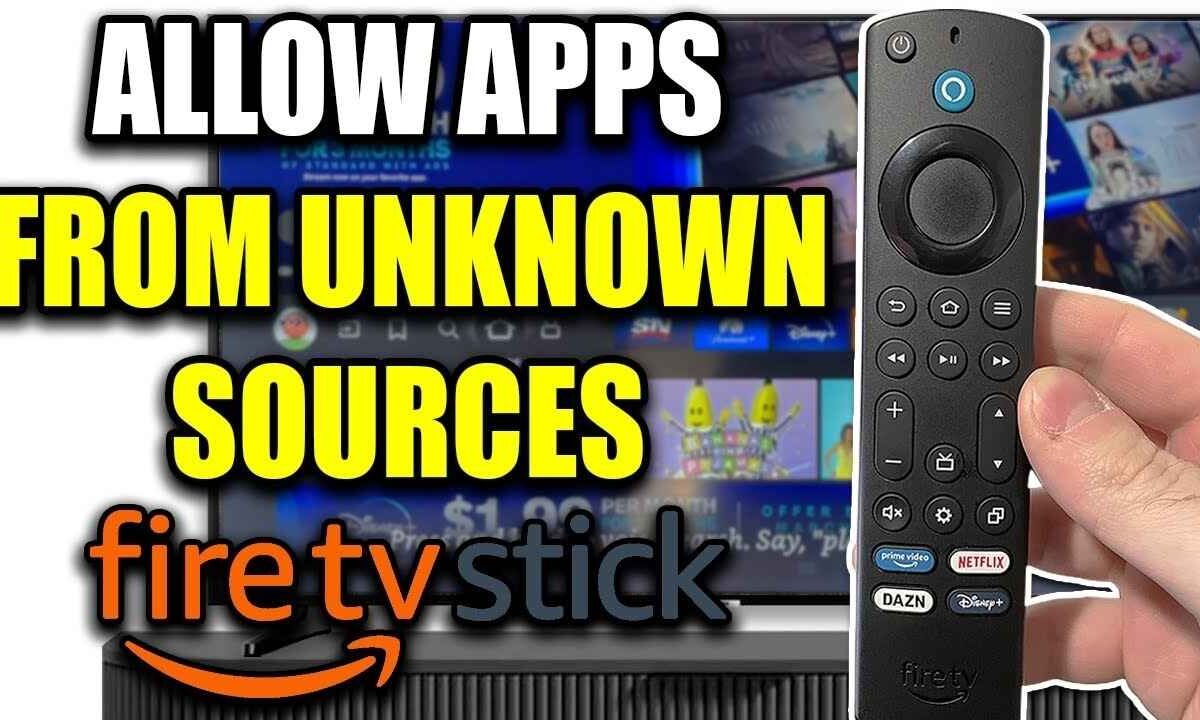
How to Allow Downloader on Firestick: 1. Go to Settings 2. Enable Developer Options 3. Turn on Unknown Apps 4. Allow Downloader 5. Start Installing. How to Allow Downloader on Firestick If you’re trying to install apps that aren’t available on the Amazon Appstore, you’ll first need to allow Downloader…
