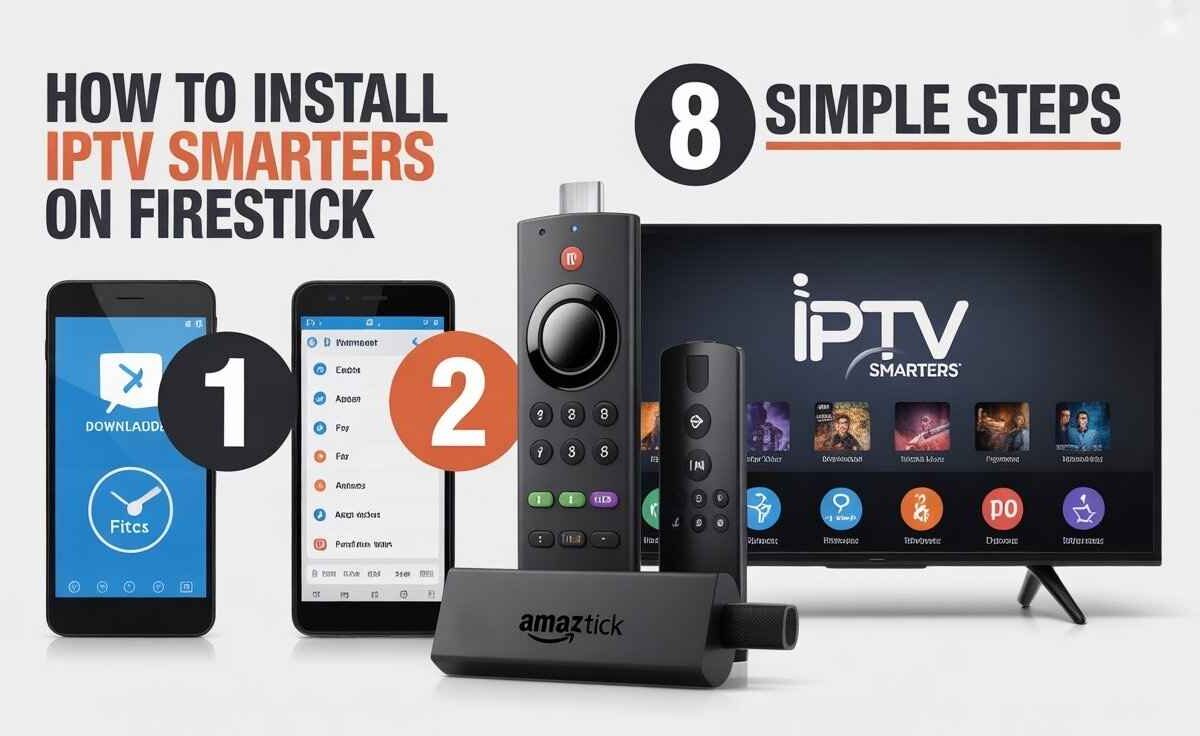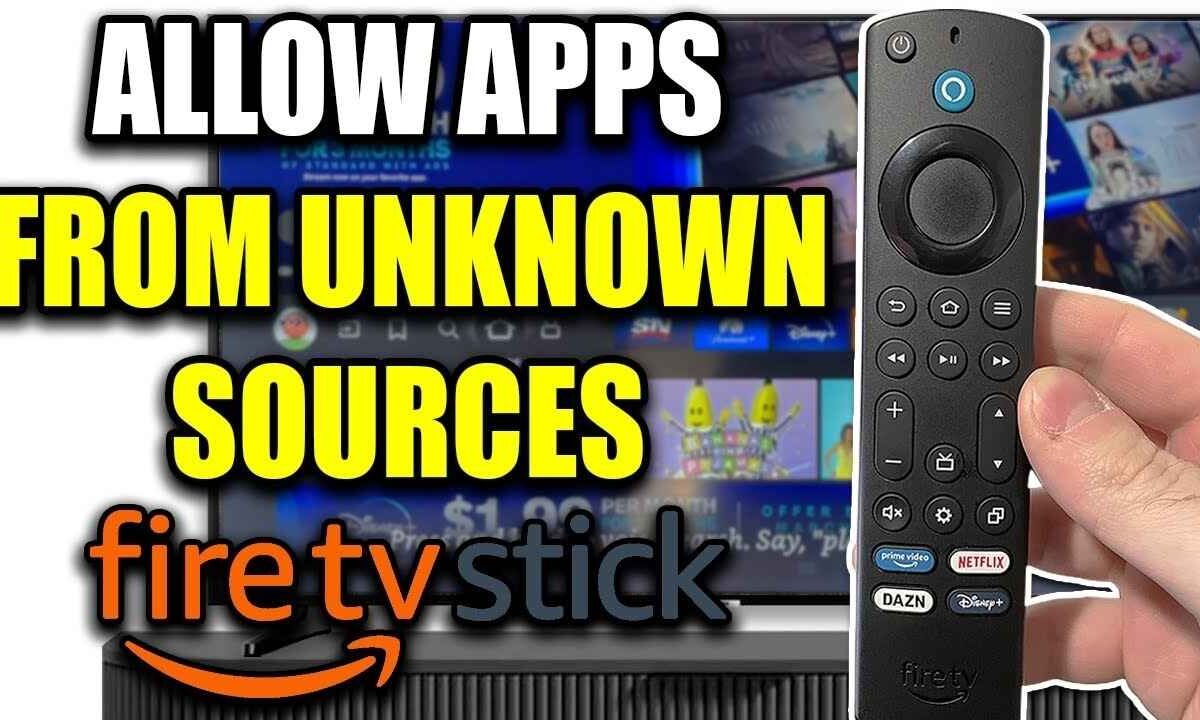
How to Allow Downloader on Firestick: 1. Go to Settings 2. Enable Developer Options 3. Turn on Unknown Apps 4. Allow Downloader 5. Start Installing. How to Allow Downloader on Firestick If you’re trying to install apps that aren’t available on the Amazon Appstore, you’ll first need to allow Downloader…

![An informational infographic showing different devices and apps that connect to a TV screen displaying a media player interface. The surrounding elements include app icons like 'BIG PLAYER' and 'IPTV SMARTERS PRO,' and various device silhouettes. This graphic relates to the process of [How to Install TV Channels on IPTV] and connecting media sources to a central television display.](https://nestnets.com/wp-content/uploads/2025/11/How-to-Install-TV-Channels-on-IPTV--1200x736.jpg)