
5 Smart Ways How to Secure Your IPTV Connection with a VPN
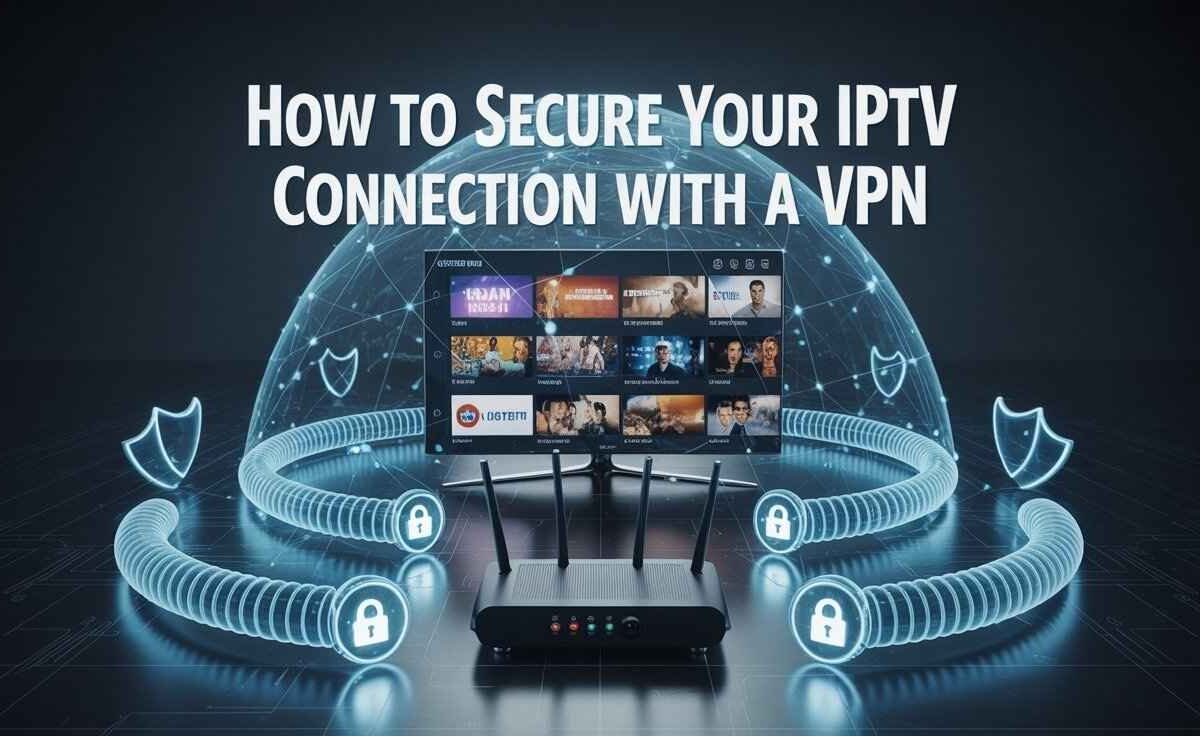
How to Secure Your IPTV Connection with a VPN: 1. Encrypt data 2. Hide IP 3. Avoid ISP throttling 4. Access geo-blocks 5. Protect privacy while streaming.
How to Secure Your IPTV Connection with a VPN
Streaming IPTV (Internet Protocol Television) gives you access to thousands of live TV channels, sports events, and on-demand shows from around the world.
However, without proper security, your connection and personal data can be exposed.
Your IP address, location, and even your watching habits can be tracked by ISPs, hackers, or unauthorized IPTV providers.
The best way to stay safe is by using a VPN (Virtual Private Network).
A VPN encrypts your internet data, hides your real identity, and ensures that your IPTV streaming remains private, secure, and uninterrupted.
Why Use a VPN for IPTV
| Security Concern | Risk Without VPN | Protection With VPN |
|---|---|---|
| IP Tracking | Your real location is visible | Your IP stays hidden |
| ISP Throttling | Causes buffering and slow speeds | Stable, faster connection |
| Data Theft | Hackers can steal your info | Data fully encrypted |
| Geo Restrictions | Some channels blocked | Access from anywhere |
| Privacy Loss | ISPs monitor your activity | 100% private streaming |
1. Use a Reliable VPN Service
The first step in protecting your IPTV connection is choosing a trusted VPN provider.
Free VPNs often log your activity or sell your data — which defeats the purpose of using one.
Instead, choose premium VPNs like NordVPN, Surfshark, or ExpressVPN. These services offer:
- No-logs policy
- High-speed streaming servers
- Strong encryption
Tip: Select a VPN that has dedicated streaming servers for smoother IPTV performance.
2. Enable Strong Encryption (AES-256 Bit)
Your VPN’s encryption strength determines how safe your connection is.
Always use a VPN with AES-256-bit encryption, the same standard used by military and government agencies.
This makes your IPTV traffic unreadable to hackers, ISPs, or snoopers — even if intercepted.
It also protects your login credentials, payment details, and personal data.
3. Use Servers Near Your IPTV Provider
Connecting to a VPN server near your IPTV provider’s location helps reduce buffering and improve speed.
For example:
- If your IPTV service is UK-based → connect to a UK server
- If it’s USA-based → choose a US server
This keeps your connection fast, smooth, and reliable.
Pro Tip: Avoid overloaded servers; pick one showing low latency for the best results.
4. Turn On the Kill Switch Feature
A Kill Switch is an essential security setting found in most VPNs.
If your VPN connection drops suddenly, the Kill Switch instantly cuts your internet connection, preventing your real IP address from being exposed.
This feature is especially important when using Firestick, Android TV, or Smart IPTV apps, as they stay online even if your VPN fails.
Always keep your Kill Switch ON to maintain full privacy while streaming.
5. Use a VPN-Compatible IPTV App
Not all IPTV apps work well with VPNs. Some may leak your IP or cause connection errors.
To ensure smooth and secure streaming, use VPN-friendly IPTV apps such as:
- IPTV Smarters Pro
- B1G Player
- SmartOne IPTV
- Smart IPTV (SIPTV)
These apps maintain fast speeds, stable connections, and enhanced privacy when used with a good VPN.
Additional Tips to Keep IPTV Secure
- Keep both IPTV and VPN apps updated for security patches.
- Avoid clicking on suspicious IPTV links or pop-up ads.
- Use strong, unique passwords for IPTV accounts.
- Don’t share your login credentials with others.
- Restart your VPN before streaming for better connection stability.
FAQs
1. Why should I use a VPN for IPTV?
A VPN hides your IP address, prevents ISP throttling, and protects your privacy while streaming IPTV content.
2. Can I use a free VPN for IPTV?
It’s not recommended. Free VPNs are often slow, collect data, and may cause buffering during streaming.
3. Does a VPN make IPTV faster?
Yes, sometimes. By bypassing ISP throttling, VPNs can improve streaming speeds and reduce buffering.
4. Which VPNs work best for IPTV?
Top choices include NordVPN, Surfshark, and ExpressVPN, all tested for IPTV compatibility.
5. Can I use a VPN on Firestick for IPTV?
Absolutely. Most premium VPNs have dedicated Firestick apps that let you connect directly from your TV.

My name is Stella Rose. I am an IPTV specialist with over 10 years of professional experience in the streaming industry. I learned IPTV from top experts in a reputed office and also hold a diploma in IPTV & digital streaming technologies.
Now, I share my knowledge by writing articles and guides on NestNets.com, helping people understand IPTV subscriptions, Firestick setup, troubleshooting, and the latest streaming solutions.