
8 Easy Steps: How to Install IPTV Smarters on Firestick
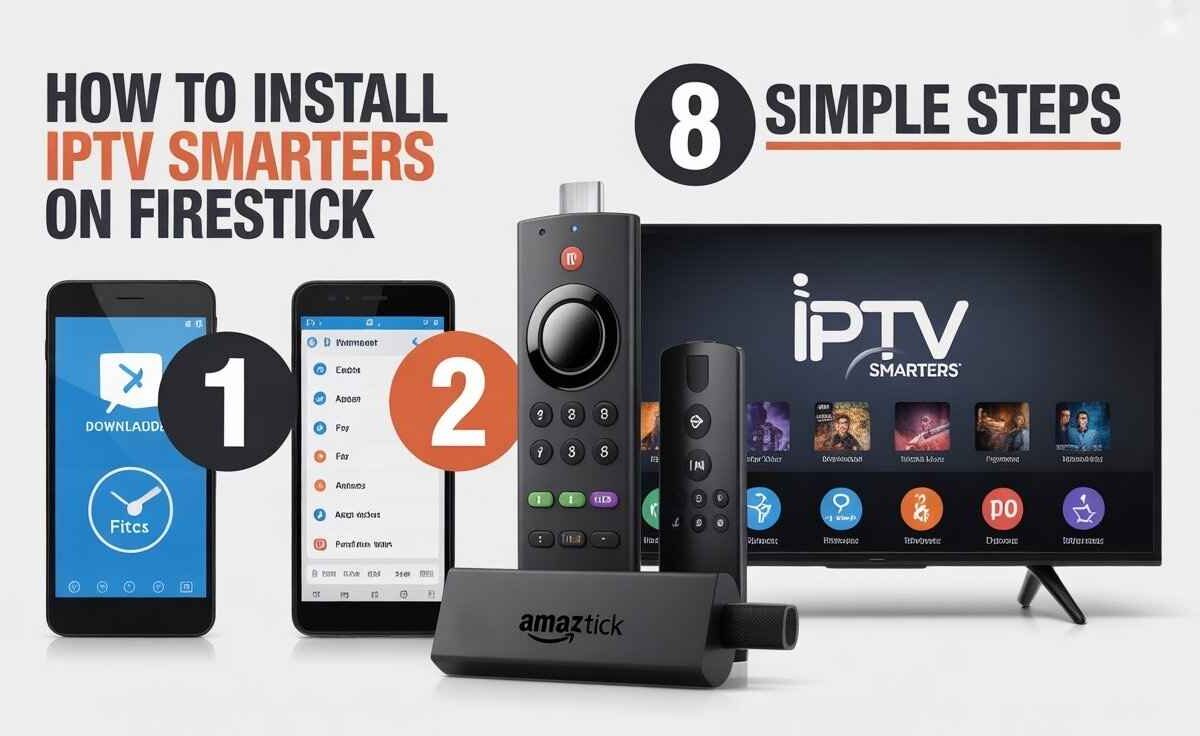
How to install IPTV Smarters on Firestick: 1. Enable Downloader 2. Allow apps 3. Enter URL 4. Download file 5. Install 6. Open app 7. Add login 8. Stream IPTV.
How to Install IPTV Smarters on Firestick
If you want to stream live TV, movies, or sports channels directly on your Firestick, IPTV Smarters is one of the most reliable apps you can use.
While it’s not listed on the Amazon App Store, you can still install it safely through a method called sideloading.
This guide will walk you through how to install IPTV Smarters on Firestick in 8 simple and secure steps—perfect for beginners who want fast and smooth IPTV access.
Quick Setup Overview
| Requirement | Details |
|---|---|
| App Name | IPTV Smarters / IPTV Smarters Pro |
| Device | Amazon Firestick / Fire TV |
| Installation Method | Sideload via Downloader app |
| File Format | APK |
| Minimum Internet Speed | 10 Mbps for HD streaming |
| VPN Use | Strongly Recommended for Privacy |
Step 1: Turn On Your Firestick
Start by plugging your Firestick into the TV and ensure it’s connected to Wi-Fi.
Make sure your Amazon account is active, as it’s required to access apps.
Step 2: Enable Apps from Unknown Sources
To install IPTV Smarters, you must allow third-party app installations.
- Go to Settings → My Fire TV → Developer Options
- Enable ADB Debugging
- Turn on Apps from Unknown Sources
This allows your Firestick to safely accept APK files that are not from the Amazon Store.
Step 3: Install the Downloader App
You’ll need the Downloader app to fetch the IPTV Smarters file.
- From the home screen, head to Find, then click Search.
- Type Downloader and select the app created by AFTVnews.com
- Click Download, then Open
Step 4: Open Downloader App
Launch the Downloader app.
When prompted, click Allow to grant storage permissions.
You’ll then see a URL field where you’ll enter the IPTV Smarters link.
Step 5: Enter IPTV Smarters APK Link
In the URL bar, type this official link:
https://www.iptvsmarters.com/smarters.apk
Then press Go.
The APK file will start downloading automatically.
Wait for it to complete before moving to the next step.
Step 6: Install IPTV Smarters
After downloading the APK, the installation window will pop up.
- Click Install
- Wait for the process to complete
- Once done, choose Done
You can now find IPTV Smarters in your app list.
![A screenshot of the IPTV Smarters Pro app interface on a TV, featuring a glowing, large purple icon with a white TV and text "IPTV SMARTERS PRO" over the main menu options, which include "LIVE TV," "SERIES," and "CATCH UP." The current date and time are displayed at the top.[How to install IPTV Smarters on Firestick]](https://nestnets.com/wp-content/uploads/2025/11/Install-IPTV-Smarters-on-Firestick-1024x576.jpg)
Step 7: Delete the APK File (Optional)
After installation, you can delete the APK file to free up storage space.
Open the Downloader app, select Delete APK, and confirm.
Step 8: Open IPTV Smarters and Log In
Go to Your Apps & Channels → IPTV Smarters.
Choose a login method:
- Xtream Codes API
- M3U Playlist URL
- File Upload
Provide your username, password, and the server link from your IPTV service.
After login, your live channels and video-on-demand content will load instantly.
Pro Tips for Better Performance
- Always use a VPN to protect your data and bypass geo-restrictions.
- Keep your Firestick and IPTV app updated regularly.
- Use Ethernet adapters for faster and more stable connections.
- If buffering occurs, reduce the video resolution inside the app settings.
FAQs
Q1: Is IPTV Smarters safe to install on Firestick?
Yes, it’s completely safe if downloaded from the official IPTV Smarters website.
Q2: What’s the difference between IPTV Smarters and Smarters Pro?
Both work the same, but the Pro version offers more features like multi-screen support.
Q3: Do I need to pay for IPTV Smarters?
No, the app is free. However, you need an active IPTV subscription to watch content.
Q4: Can I use IPTV Smarters on Fire TV Cube or 4K Stick?
Yes, it works perfectly on all Fire TV and Firestick versions.
Q5: Why is my IPTV Smarters app buffering?
Buffering usually happens due to slow internet speed or an overloaded IPTV server.

My name is Stella Rose. I am an IPTV specialist with over 10 years of professional experience in the streaming industry. I learned IPTV from top experts in a reputed office and also hold a diploma in IPTV & digital streaming technologies.
Now, I share my knowledge by writing articles and guides on NestNets.com, helping people understand IPTV subscriptions, Firestick setup, troubleshooting, and the latest streaming solutions.