
7 Fixes for Smart IPTV App Not Working on Firestick
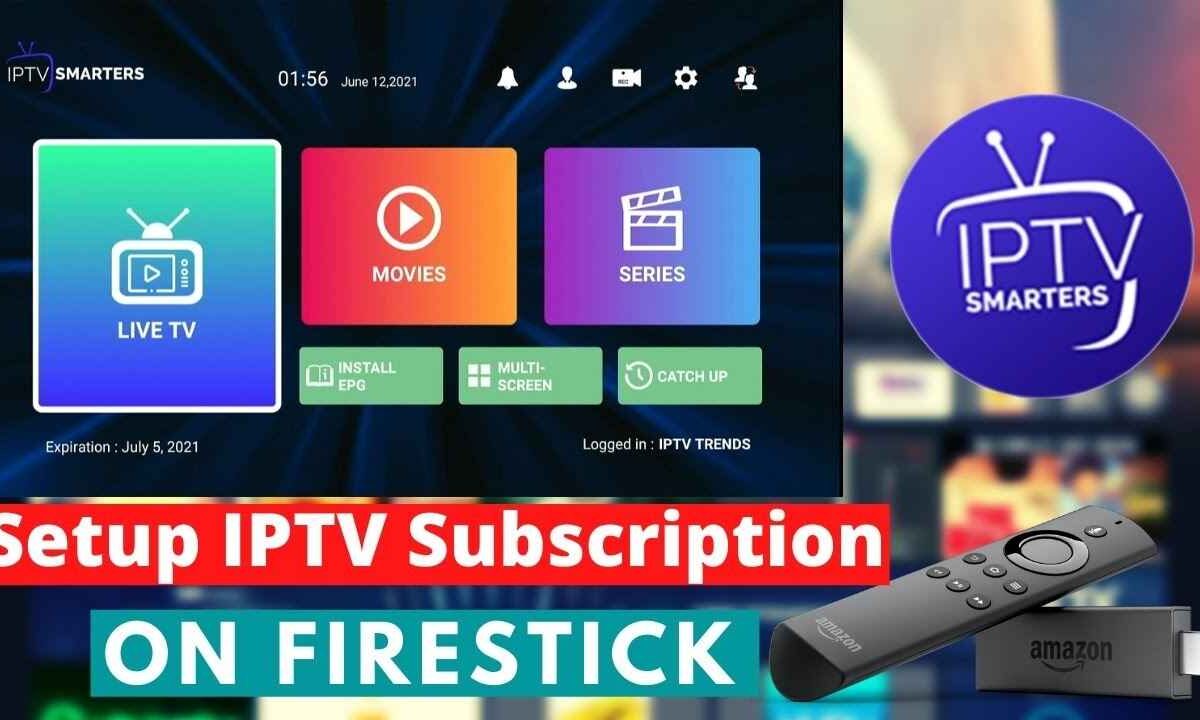
Smart IPTV app not working on Firestick: 1. Check internet 2. Restart app 3. Clear cache 4. Update Firestick 5. Reinstall app 6. Check URL 7. Reset device.
Smart IPTV App Not Working on Firestick
If your Smart IPTV app is not working on Firestick, you’re not the only one. Many users face issues such as buffering, black screens, or channels not loading. These problems are common and can often be fixed quickly with a few easy steps.
This article explains why Smart IPTV stops working and provides simple, effective solutions to help you get it running smoothly again.
Common Reasons and Solutions
| Problem | Possible Cause | Quick Fix |
|---|---|---|
| App won’t open | Outdated or corrupted app files | Uninstall and reinstall Smart IPTV |
| Channels not loading | Expired or invalid M3U playlist | Re-upload or update playlist link |
| Buffering | Weak internet speed | Restart router or use Ethernet |
| Black screen | Cache or data issue | Clear app cache and data |
| App missing | Removed from Amazon store | Sideload with Downloader App |
1. Check Your Internet Connection
A slow or unstable internet connection is the main cause of streaming issues.
- Restart your Wi-Fi router and Firestick device.
- Make sure your internet speed is at least 10 Mbps.
- If possible, connect via an Ethernet cable for a more stable connection.
2. Reinstall the Smart IPTV App
Sometimes the app itself may be corrupted or outdated.
- Go to your device’s Settings, tap Applications, and then Manage Installed Applications.
- Select Smart IPTV → Uninstall.
- Reinstall it using the Downloader App (URL: siptv.app).
After reinstalling, upload your playlist again and restart the Firestick.

3. Re-Upload or Update Your Playlist
If channels are not loading, your M3U or Xtream URL may have expired.
- Visit the Smart IPTV website (siptv.app/mylist/).
- Enter your Firestick MAC address and upload your new playlist file or link.
- Restart your Firestick and reopen the app.
This step usually fixes “no channels available” or “failed to load” errors.
4. Clear App Cache and Data
A black screen or freezing issue is often caused by stored cache or broken data.
To clear it:
- Go to Firestick Settings → Applications → Smart IPTV.
- Choose Clear Cache and Clear Data.
- Restart your Firestick before opening the app again.
This refreshes the app and helps it load smoothly.
5. Use an Alternative App Like Big Player
If Smart IPTV still doesn’t work, try another app that supports M3U playlists.
B1g Player IPTV is one of the best Smart IPTV alternatives. It’s lightweight, user-friendly, and compatible with most Firestick devices.
You can download Big Player using the Downloader App and log in using your same IPTV playlist link.
6. Check for Firestick Updates
Sometimes, system updates can affect how apps run.
- Navigate to Settings → My Fire TV → About, then select Check for Updates.
- If available, install the update and restart your Firestick.
Updating ensures better performance and compatibility for apps like Smart IPTV.
7. Contact Your IPTV Provider
If nothing works, the problem may be on your IPTV provider’s end.
- Ask them if the playlist server is under maintenance or temporarily offline.
- Request a new working link if the old one is outdated.
Quick Troubleshooting Summary
| Issue | Fix |
|---|---|
| App not working | Reinstall Smart IPTV |
| Channels missing | Re-upload playlist |
| Constant buffering | Improve Wi-Fi or switch to Ethernet |
| Black screen | Clear cache and data |
| Playlist expired | Contact IPTV provider |
FAQs
1. Why is my Smart IPTV not showing channels on Firestick?
Your playlist link may have expired or the server might be offline. Try re-uploading your M3U or Xtream URL.
2. Is Smart IPTV still available on the Amazon App Store?
No. Smart IPTV was removed from the Amazon App Store. You must install it using the Downloader App.
3. What is the best alternative to Smart IPTV?
Big Player IPTV, TiviMate, and Flix IPTV are great alternatives that work well on Firestick.
4. How do I update Smart IPTV on Firestick?
You can update the app by uninstalling the old version and reinstalling it using the latest APK file.
5. Why does Smart IPTV keep buffering?
Buffering usually means your internet speed is low or the IPTV server is crowded. Try restarting your router or switching to a wired connection.

My name is Stella Rose. I am an IPTV specialist with over 10 years of professional experience in the streaming industry. I learned IPTV from top experts in a reputed office and also hold a diploma in IPTV & digital streaming technologies.
Now, I share my knowledge by writing articles and guides on NestNets.com, helping people understand IPTV subscriptions, Firestick setup, troubleshooting, and the latest streaming solutions.